

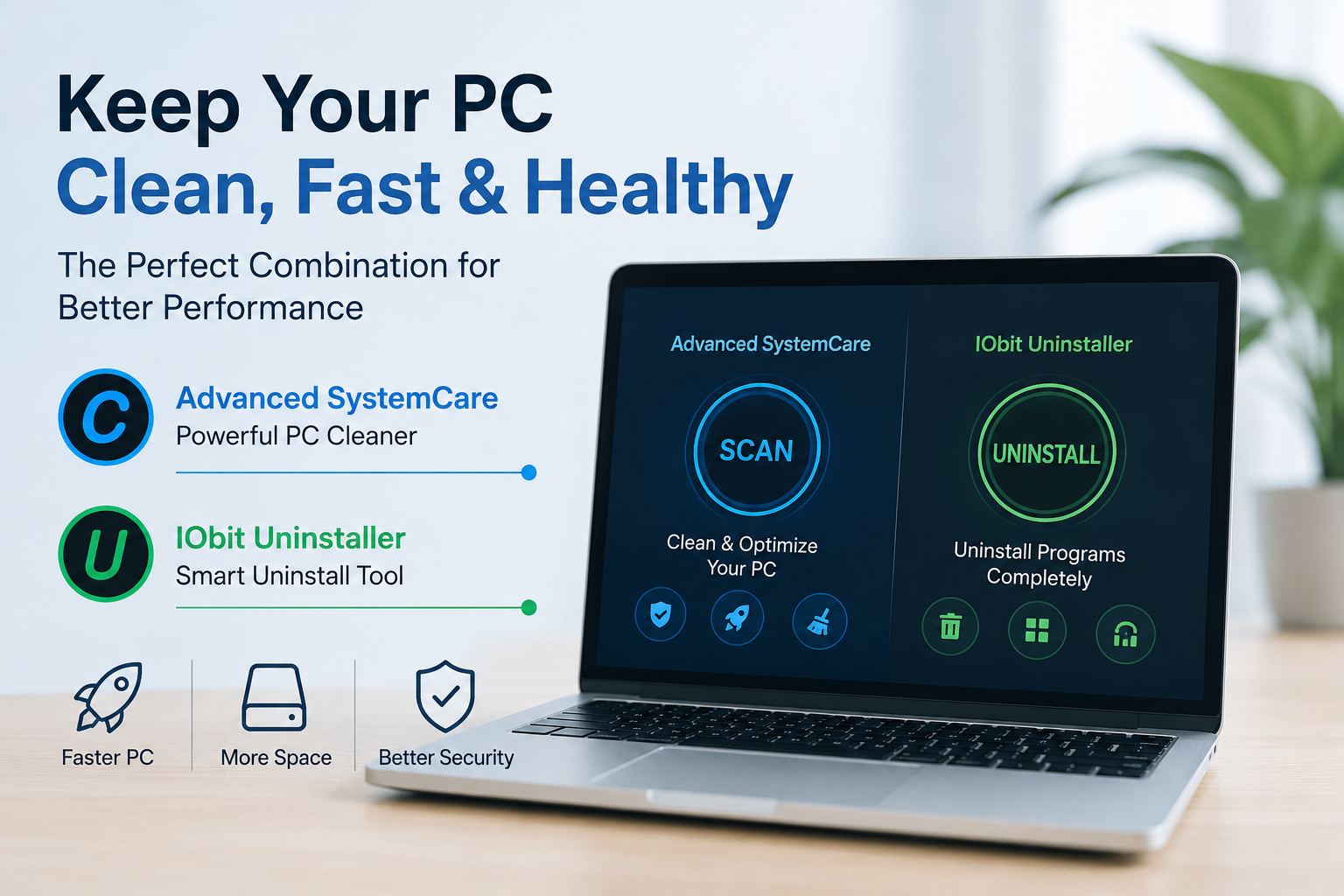
A Windows computer naturally accumulates unnecessary files and software over time. Temporary files, browser cache, application leftovers, and outdated programs can consume valuable storage and affect overall performance. While modern versions of Windows include built-in maintenance features, they often fall short when it comes to deep system cleanup and complete software removal.
Using both a PC cleaner and an uninstall tool is one of the most effective ways to maintain a responsive, organized, and stable computer. These two utilities serve different purposes, but together they provide a comprehensive maintenance solution that helps improve performance and free up disk space.
In This Article
Why Regular PC Maintenance Matters
Every time you browse the web, install software, or update Windows, your system creates temporary files and background data. Even after uninstalling applications, many leave behind folders, registry entries, startup items, and other residual files.
Over months or years, this digital clutter can lead to:
- Reduced system responsiveness
- Longer startup times
- Less available storage
- Increased software conflicts
- A less organized operating system
Regular maintenance helps prevent these issues before they become noticeable.
What Does a PC Cleaner Do?
A PC cleaner removes unnecessary files that accumulate during everyday computer use. These files are generally safe to delete and often serve no purpose after they have been created.
Common cleanup tasks include:
- Temporary Windows files
- Browser cache
- Download cache
- Recycle Bin contents
- Log files
- Invalid shortcuts
- Privacy traces
Removing these files not only recovers storage space but also helps Windows operate more efficiently.
Why Advanced SystemCare Is a Smart Choice
Among the available maintenance solutions, Advanced SystemCare from IObit has become a popular option for users who want an all-in-one optimization tool. Instead of requiring multiple utilities, it combines system cleaning, privacy protection, startup optimization, and performance improvements into a single interface.
As a comprehensive PC cleaner, Advanced SystemCare offers features such as:
- AI-powered system scanning
- Junk file cleanup
- Privacy trace removal
- Startup optimization
- Registry cleaning
- Performance monitoring
- Security enhancements
Its one-click optimization feature makes routine maintenance simple, even for users with limited technical experience. By automatically identifying unnecessary files and performance issues, it helps keep Windows running smoothly without requiring manual troubleshooting.
The Role of an Uninstall Tool
Cleaning junk files is only one part of system maintenance. Removing unwanted software completely is equally important.
Windows' built-in uninstall feature often removes only the main application while leaving behind:
- Configuration files
- Registry entries
- Empty folders
- Scheduled tasks
- Startup services
- Cached installation files
These leftover components continue occupying storage and may eventually contribute to system clutter.
An uninstall tool performs a much deeper cleanup by locating and removing these remaining files after the primary uninstall process finishes.
Why IObit Uninstaller Stands Out
When it comes to complete software removal, IObit Uninstaller provides a more thorough approach than the default Windows uninstaller.
Designed as a dedicated uninstall tool, it helps users remove applications cleanly while eliminating residual files that many uninstallers leave behind.
Its key features include:
- Complete program removal
- Leftover file scanning
- Batch uninstall
- Force uninstall for stubborn programs
- Browser extension management
- Software Health monitoring
- Automatic residual cleanup
These features make it especially useful for users who frequently install new software, test applications, or remove large programs such as games and creative software.
PC Cleaner vs. Uninstall Tool
Although these utilities work together, they solve different maintenance problems.
|
Feature |
PC Cleaner |
Uninstall Tool |
|
Removes temporary files |
Yes |
No |
|
Cleans browser cache |
Yes |
No |
|
Deletes junk files |
Yes |
No |
|
Removes installed software |
No |
Yes |
|
Deletes leftover application files |
Limited |
Yes |
|
Removes stubborn programs |
No |
Yes |
Using both tools provides a more complete maintenance routine than relying on either one alone.
Benefits of Using Both Tools Together
Many users only clean junk files while ignoring leftover software components. Others uninstall applications without removing temporary files. Combining both maintenance methods offers several advantages.
More Available Storage
Temporary files and application leftovers can consume several gigabytes of disk space over time. Regular cleanup recovers storage that can be used for documents, games, or media.
Improved System Performance
Reducing unnecessary background clutter allows Windows to access files more efficiently, often resulting in smoother everyday performance.
Faster Startup
Many applications install startup services that continue running after the software is no longer needed. Removing these entries can improve boot times.
Better Organization
A cleaner system is easier to manage and less likely to experience software conflicts caused by outdated or partially removed programs.
Best Practices for Windows Maintenance
Maintaining your computer does not require advanced technical knowledge. Following a few simple habits can make a noticeable difference.
- Run a PC cleaner every few weeks.
- Remove applications you no longer use.
- Always use an uninstall tool when uninstalling large or complex software.
- Keep Windows and installed applications updated.
- Review startup programs regularly.
- Avoid installing unnecessary software.
These habits help prevent clutter from building up over time.
Who Can Benefit?
Almost every Windows user can benefit from regular system maintenance, including:
- Students managing coursework and projects
- Professionals working with productivity software
- Gamers installing and removing large games
- Content creators using editing applications
- Home users looking to extend the life of their computers
Whether your PC is brand new or several years old, regular optimization helps maintain consistent performance.
Final Thoughts
Keeping Windows fast and organized requires more than simply deleting files occasionally. A reliable PC cleaner helps remove temporary files, optimize performance, and reclaim valuable storage, while a dedicated uninstall tool ensures unwanted software is removed completely without leaving unnecessary leftovers behind.
For users looking for dependable maintenance solutions, Advanced SystemCare offers an easy-to-use all-in-one system optimization experience, while IObit Uninstaller provides thorough software removal that goes beyond the capabilities of the default Windows uninstaller. Used together, these tools create a practical maintenance routine that helps improve system performance, reduce clutter, and keep your PC running efficiently over the long term.