

Eight QR code tracking tools for schools and film programs trying to keep cameras, lenses, and AV gear from wandering off.
By WhoHasGear · Guest article
I ran a film program's equipment cage for six years, and I can tell you where gear goes to die: the sign-out clipboard. Ours had an entry reading "J." next to a Canon C70 body. No last name, no return date. We got the camera back only because another student knew which J it was. A 50mm lens was less lucky; it graduated with a senior in 2019.
The clipboard fails because writing things down is optional, and Friday at 4pm is not when anyone chooses optional paperwork. QR tracking puts the record on the gear itself: a label on each item, a scan at checkout, and you know who had the Aputure kit before it came back with a bent yoke. The eight tools below differ in price, complexity, and how much patience they assume your students have.
How this ranking was built: I judged each tool on checkout speed at a crowded desk, reservations that stop double-booking, a custody trail for damage disputes, and a price a department can absorb. Simplicity got heavy weight; any system that needs training for each cohort is abandoned by October. Prices change, so confirm details on each vendor's site.
Quick ranking
1. WhoHasGear, best overall.
2. Cheqroom, best for large media departments.
3. Shelf, best open-source option.
4. itemit, best for detailed item records.
5. Asset Panda, best for customized workflows.
6. Sortly, best for consumables.
7. Snipe-IT, best free self-hosted IT tool.
8. Reftab, best for IT teams with licenses to track.
In This Article
- 1. WhoHasGear.com — Best overall
- 2. Cheqroom — Best full platform for large media departments
- 3. Shelf — Best open-source option with modern booking
- 4. itemit — Best for detailed item records and maintenance reminders
- 5. Asset Panda — Best for customized workflows and inspections
- 6. Sortly — Best for supplies and consumables
- 7. Snipe-IT — Best free self-hosted tool for IT device loans
- 8. Reftab — Best for IT teams managing devices and licenses
1. WhoHasGear.com — Best overall
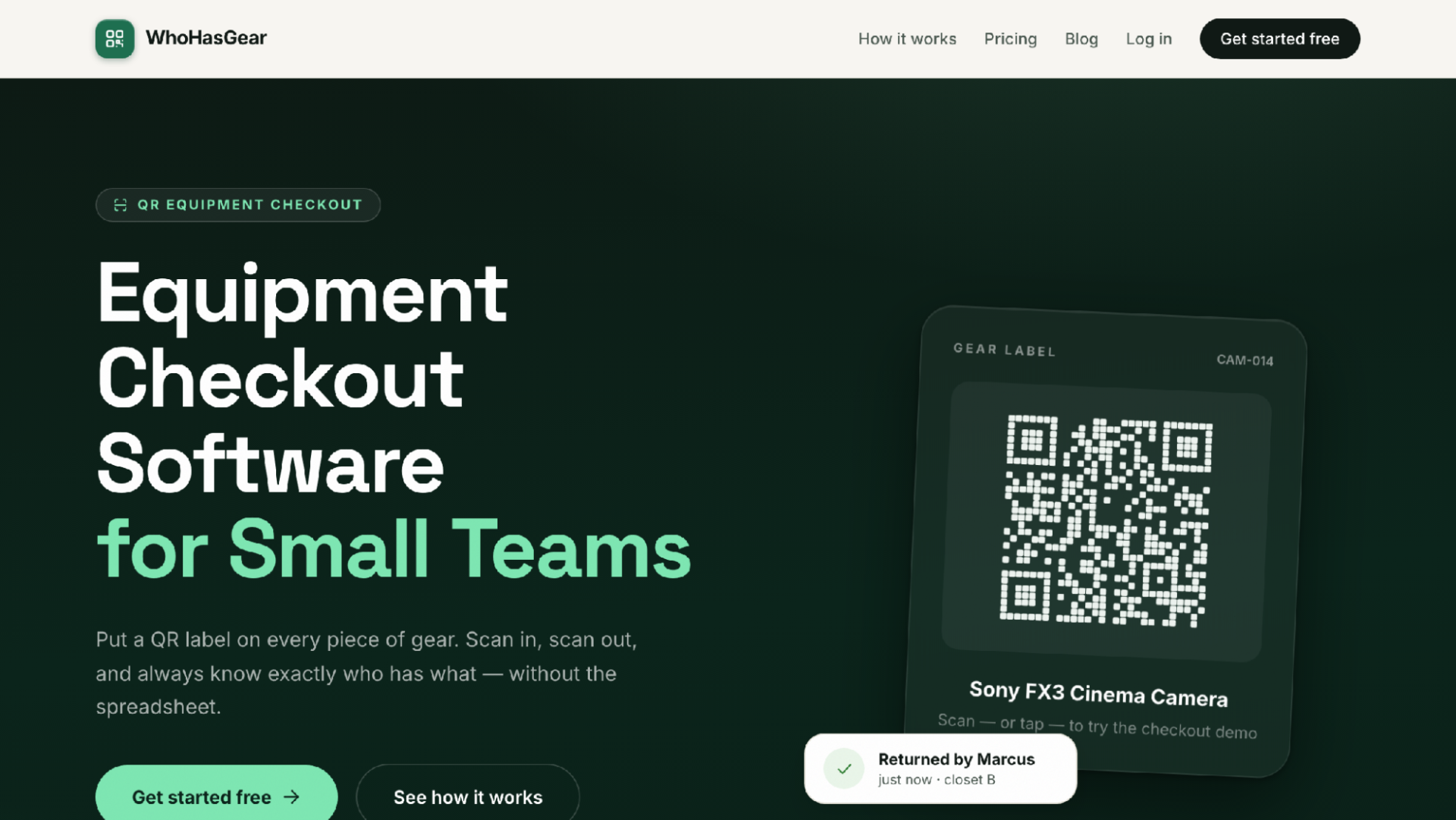
WhoHasGear.com homepage
What sold me is the borrower side. There is no app. A student points any phone camera at the QR label on a tripod, types their name, picks a due date, and walks out. That is the whole checkout. With new students every term, deleting the "download this app and make an account" step is the difference between a system that gets used and one that gets routed around. Setup is quick too: add gear singly or by CSV, print labels on ordinary Avery sheets, and a cage is done in an afternoon.
Staff see a live board of what is checked out, due today, reserved, overdue, and available, with overdue items rising to the top. Reservations block double-booking, which matters most during thesis film week when three crews want the same camera package. Every item keeps a custody history, who had it and what shape it came back in, with damage notes and photos you can export. When a lens returns with a cracked filter thread, you have a record instead of an argument.
The pricing model is unusual. Your first 50 items are free, whole team included, real QR checkout, no credit card. Paid plans start at $79 a month and are priced by inventory size, never per person. That matters: a hundred students cycling through each term would eat you alive under per-seat pricing, while inventory count is something you control. Full details live in the dashboard. The tagline is "Know who has every piece of equipment," and that is the whole job. It is a responsive web app, not a native one, which is exactly why borrowers install nothing.
Best for: Cages where students borrow and nobody has time to train them. This is the one I would have wanted.
Consider: It is not a maintenance or enterprise platform. If you need that, keep reading.
2. Cheqroom — Best full platform for large media departments
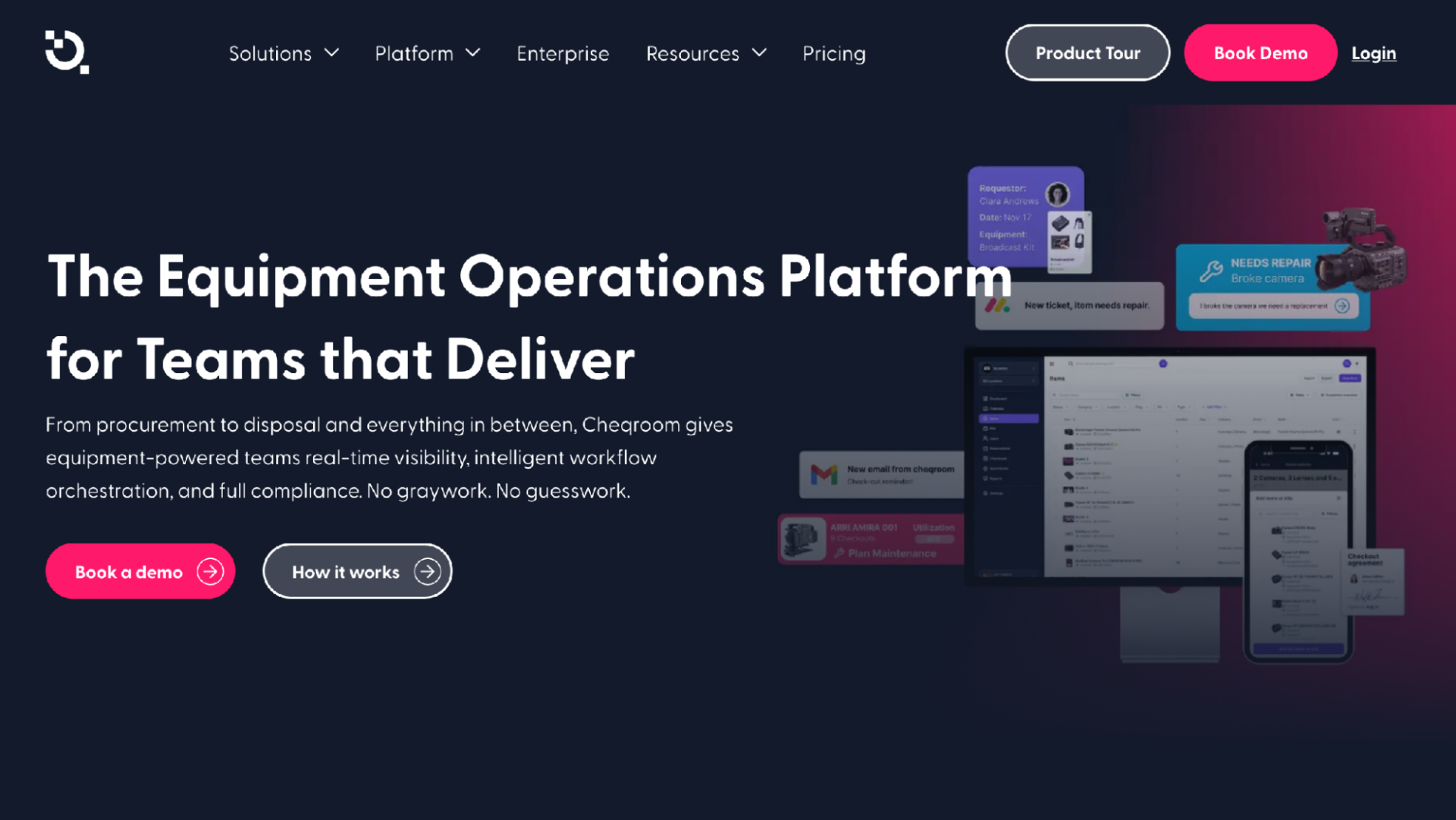
Cheqroom homepage
If WhoHasGear is the tool for the cage, Cheqroom is the tool for the building: reservations, checkouts, custody, audits, maintenance, reporting, and a mobile app.
It markets to broadcast, production, and higher education, and a media school with formal maintenance cycles will recognize itself immediately.
The catch is scope. A large program with staff hours to invest will get its money's worth; a two-person department will not. I have watched small teams buy this class of software and use a tenth of it.
Best for: Universities with multiple rooms and real staff.
Consider: For one cage it is more machine than the job needs.
3. Shelf — Best open-source option with modern booking
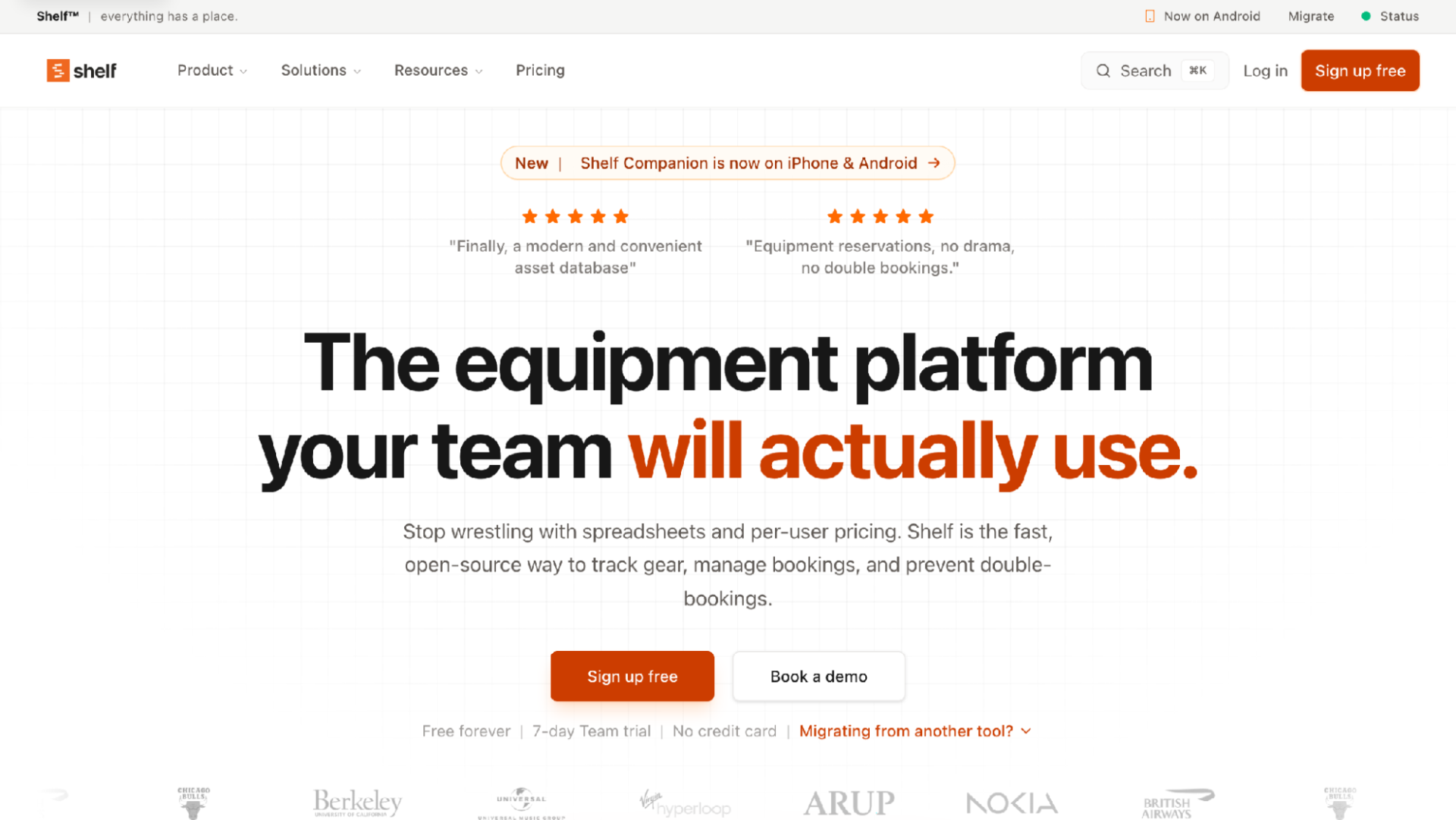
Shelf homepage
The pitch here is transparency. Shelf is open source, on GitHub under AGPL-3.0, so an IT department that vets vendors can read exactly what it is running. In education, where procurement drags on for a semester, that helps.
The features hold up: bookings with double-booking prevention, custody tracking, QR labels, kits, and consumables, plus a mobile app. A free-forever tier and 7-day Team trial mean trying it costs only time.
But open source rewards people who read documentation and file the occasional issue. If your equipment manager is a film instructor doing this as a side duty, a hand-holding commercial product means fewer Tuesday-night emails.
Best for: Technical programs that want bookings and QR labels without per-user pricing.
Consider: Budget tinkering time; self-service support is part of the deal.
4. itemit — Best for detailed item records and maintenance reminders
itemit homepage
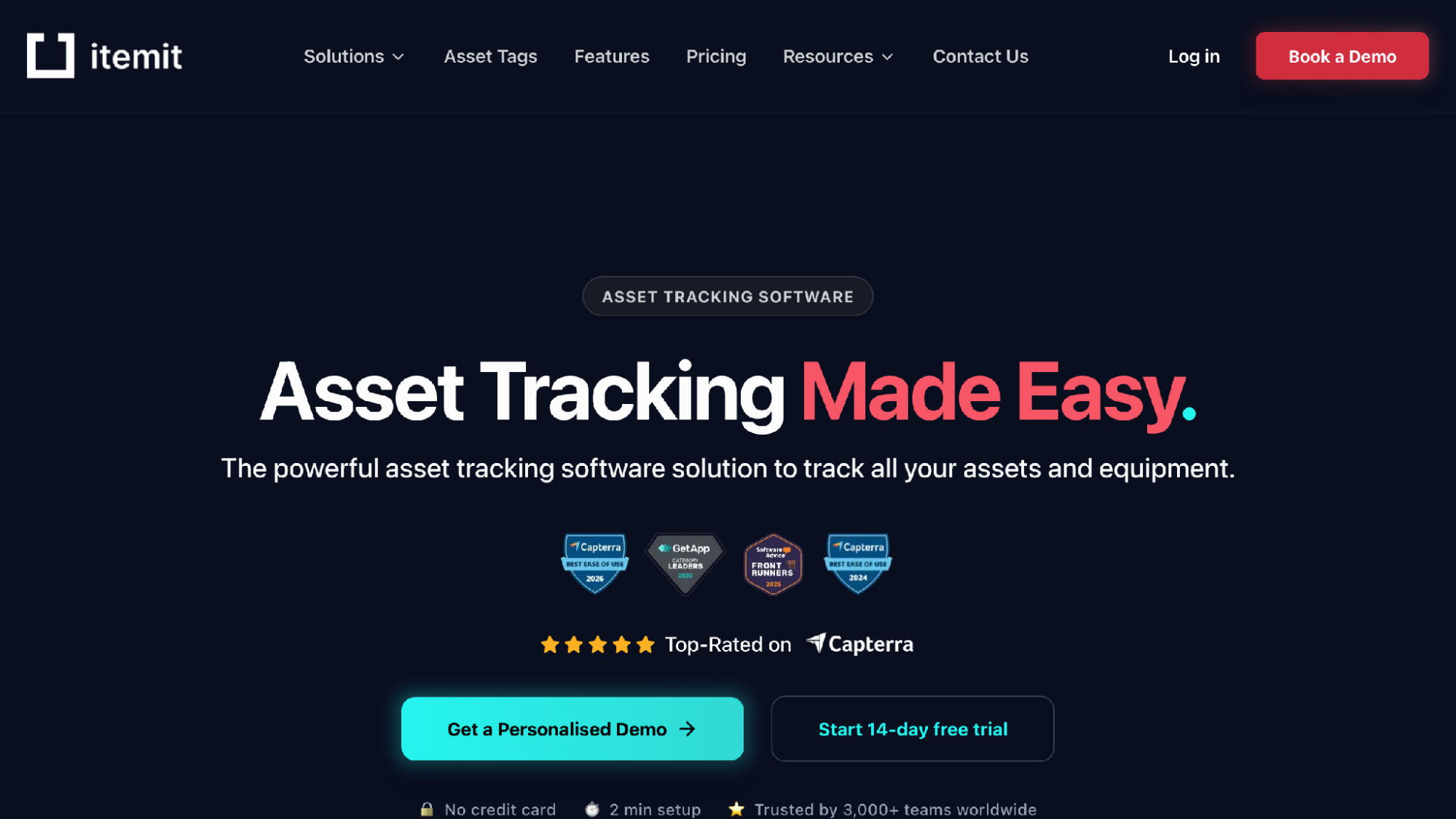
Some programs need to know more about an item than who has it. itemit is for them: assets carry purchase dates, warranty expiry, photos, PDF manuals, and custom fields, so the camera's manual is one scan away. It reads QR, barcode, and RFID.
Lending is covered too: advance booking, automated reminders, multi-site tracking. Pricing is tiered by asset count with a free tier and 14-day trial.
The tradeoff is data entry. Rich profiles are only rich if someone fills them in, and that someone quits caring around item 200. Model asset-count pricing if you own hundreds of SD cards.
Best for: Departments that will actually maintain warranty and maintenance data.
Consider: Be honest about who will populate those records.
5. Asset Panda — Best for customized workflows and inspections
Asset Panda homepage
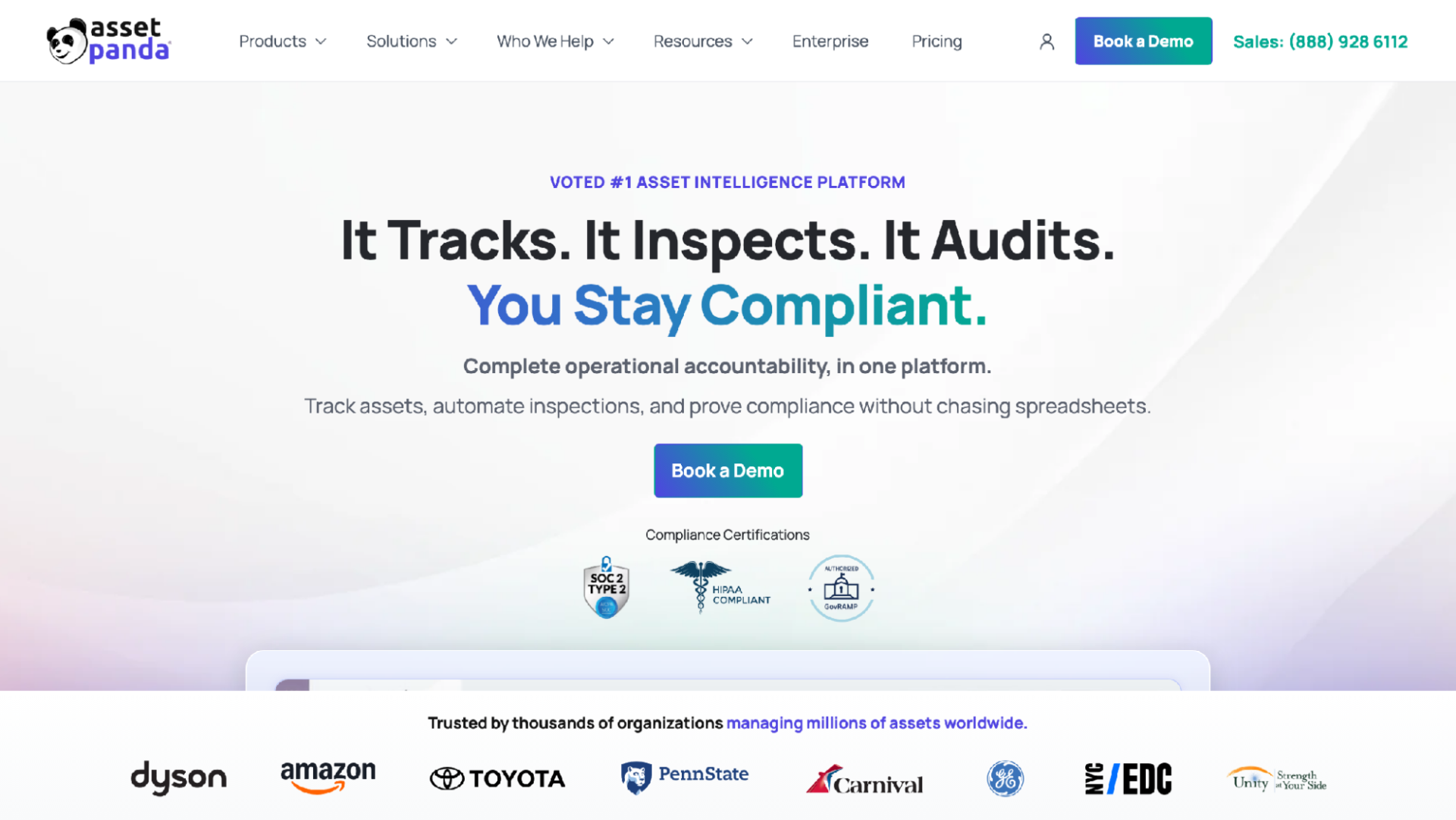
Configurability is the whole idea. Asset Panda tracks assignments, checkouts, transfers, returns, and custody history, with mobile scanning so updates happen in the field.
The inspection tooling stands out: checklists, condition photos, and signatures build a check-in routine that holds up in an audit. A district could run film gear and laptops through one system with different workflows for each.
That flexibility is my warning too: configurable platforms need a configurer. Without an admin owning the setup, a small program pays for a workshop full of tools and uses the hammer.
Best for: Districts wanting tailored workflows and formal inspections.
Consider: Expect real setup work before it fits your process.
6. Sortly — Best for supplies and consumables
Sortly homepage
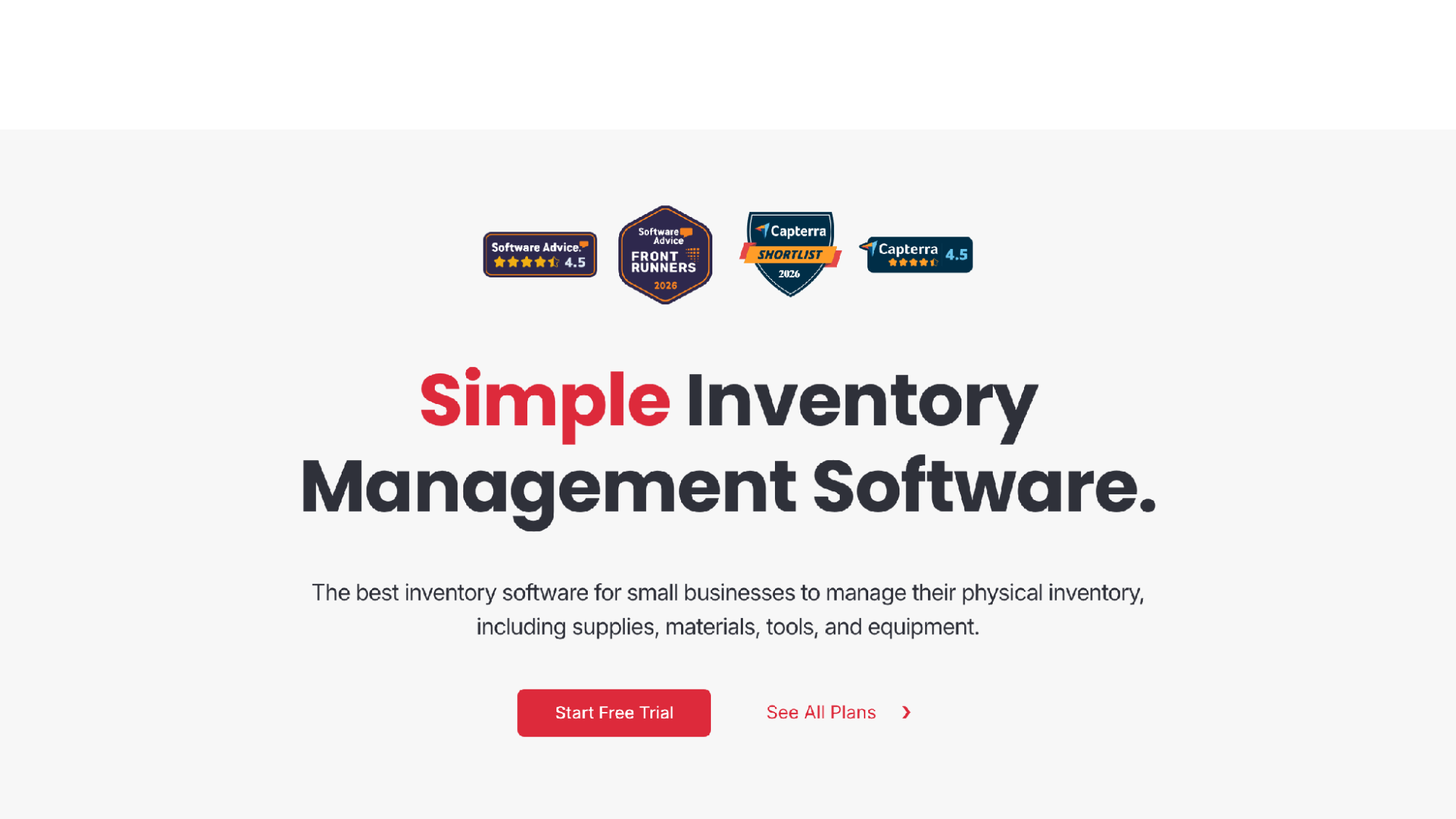
Here is the thing nobody else on this list solves: gaffer tape. Batteries, bulbs, expendables. The stuff that gets used up rather than borrowed. Sortly works from the inventory side, with folders by location or type, item photos, CSV upload, and in-app QR scanning.
Low-stock alerts earn its spot; running out of AA batteries mid-shoot is a disaster that repeats until something warns you. Reports export to PDF or CSV, and the folder metaphor needs no training.
It is inventory software, though, not a checkout system, and the lending workflow is thin. I would run it alongside a checkout tool, not instead of one.
Best for: Expendables and small tools where reorder timing matters.
Consider: Structured borrow-and-return is not what it was built to do.
7. Snipe-IT — Best free self-hosted tool for IT device loans
Snipe-IT homepage
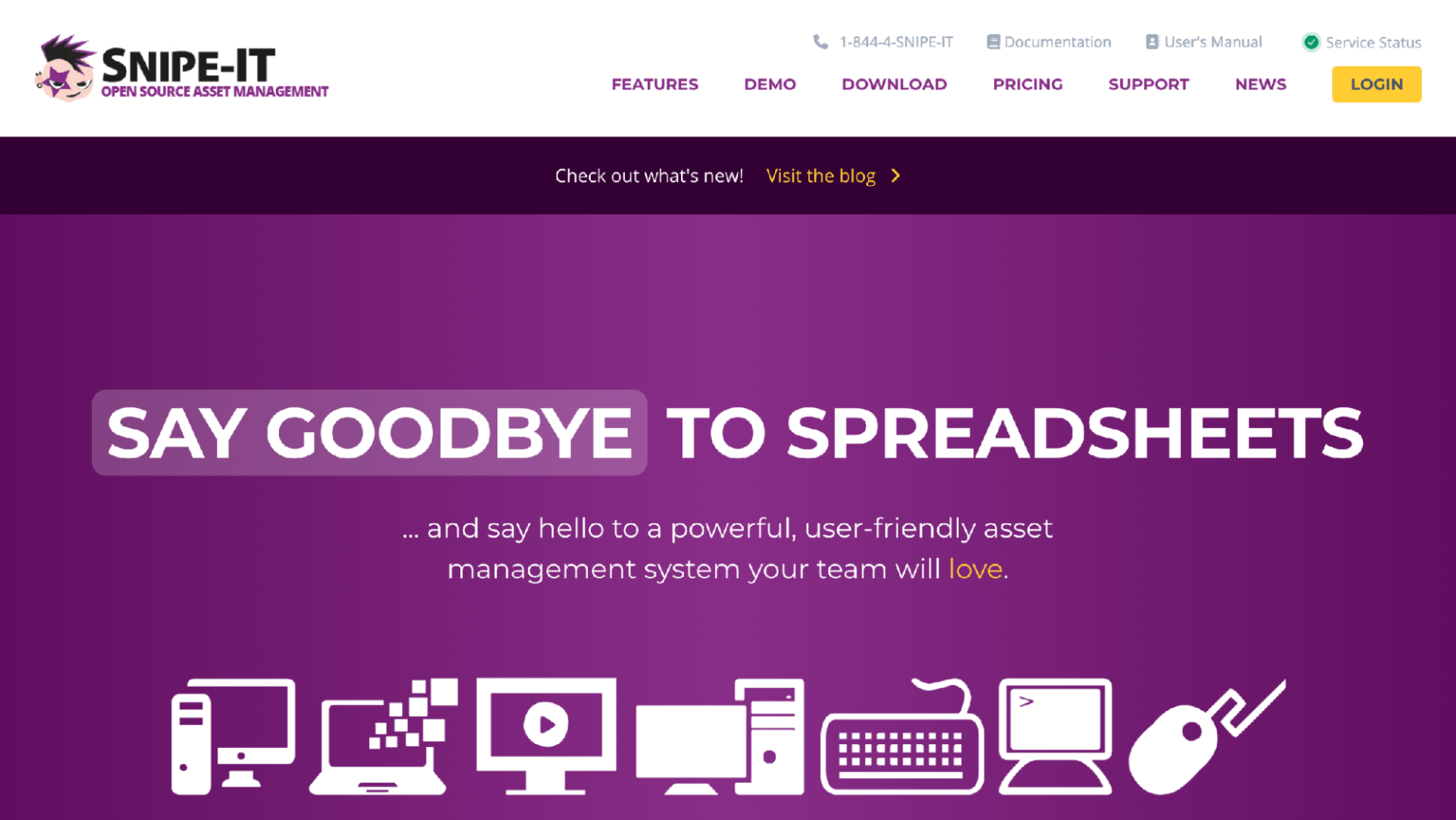
The price is hard to argue with. Snipe-IT is free, open-source IT asset management; self-hosting costs nothing, with paid cloud hosting if you would rather not run a server. School IT departments lean on it for the loaner problem: laptops, tablets, and hotspots going out and, ideally, coming back.
Security gets real attention: bcrypt hashing, brute-force prevention, two-factor authentication, plus a REST API and frequent releases.
Its center of gravity is IT, and you feel it: a film program wanting camera reservations is working against the grain. And self-hosting means your team patches the server and owns the backups.
Best for: IT teams with server skills and a device fleet to loan.
Consider: Someone on staff becomes the sysadmin, like it or not.
8. Reftab — Best for IT teams managing devices and licenses
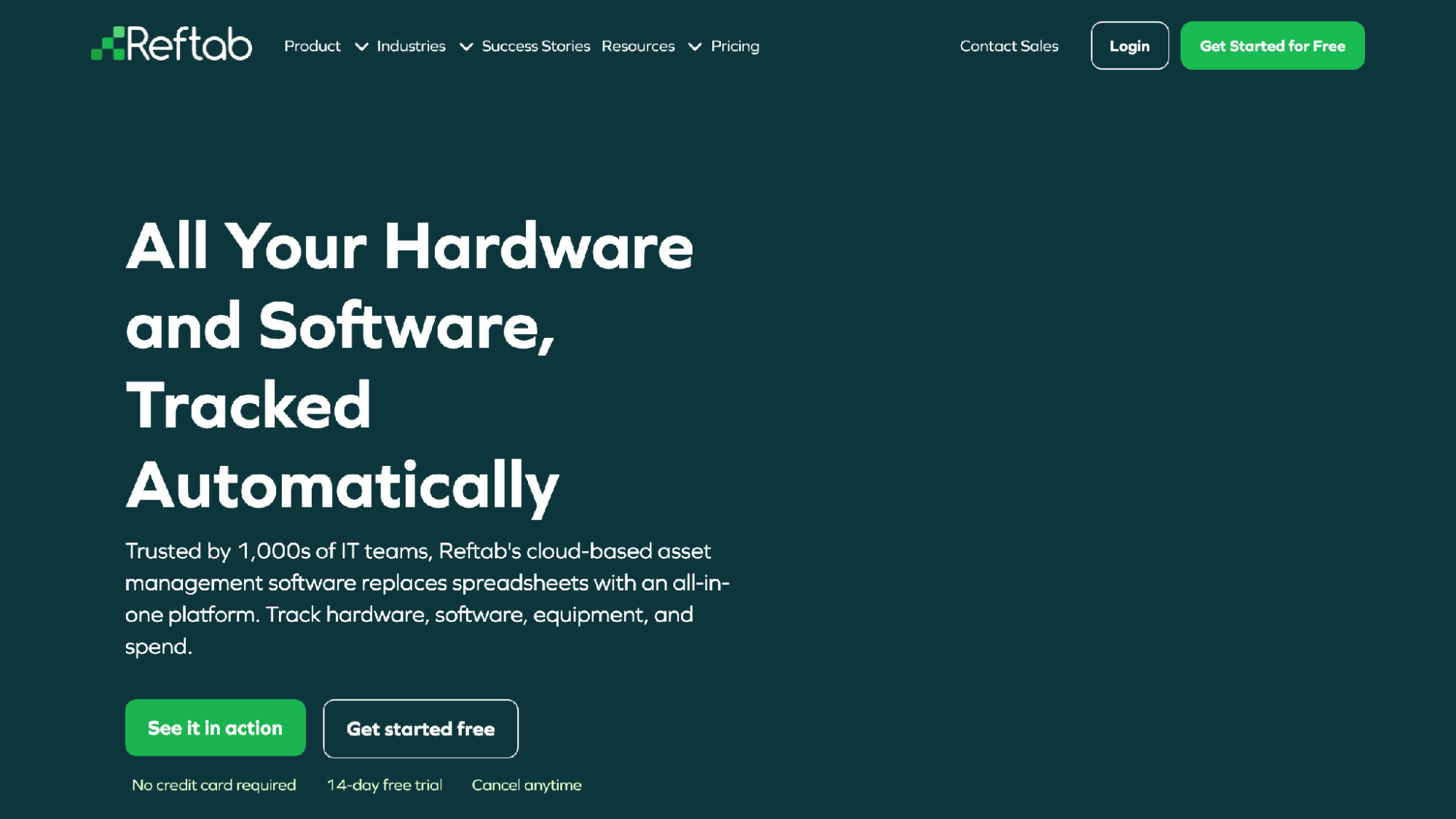
Reftab homepage
Reftab does something the others skip: software licenses. Alongside hardware tracking with locations, audits, and returns, it tracks license spend, which matters to a technology office and not at all to a film cage.
Offboarding workflows collect the devices assigned to a person when they leave, which maps neatly onto graduating classes. It also integrates with MDM, HR, and identity systems.
Like Snipe-IT, it is IT-first: strong for the technology office, less natural for a room whose daily traffic is lenses and lav mics.
Best for: Education IT teams that want hardware and licenses in one system.
Consider: Creative-gear lending was not the design goal, and it shows.
How to choose the right tracking tool
Start with who does the scanning. If borrowers are students who turn over every term, pick the tool that asks nothing beyond a phone camera. Extra steps compound: one account-creation screen becomes a line, and a line becomes a student who "borrows" the boom pole without scanning at all.
Then match the tool to your actual pain. Double-booked cameras point to reservations. Damage with no accountability points to custody history. Dead batteries point to low-stock alerts. Laptop loans point to the IT tools.
And pilot first. Nearly everything here has a free tier or trial. Label one shelf, run it through a real week, and see what breaks. The tool that survives a Friday cage rush with actual freshmen is the right one.
Final verdict
For most schools and film programs, WhoHasGear is the pick. It nails the moment that decides whether tracking happens at all, the checkout itself, and inventory-based pricing means a hundred rotating students cost nothing extra. Cheqroom suits a big media department, Shelf will please open-source fans, Snipe-IT is unbeatable value for self-hosted IT loans, and Sortly handles the expendables everyone else ignores. Pick for the room you actually run, not the one in the brochure.